
Appearance
5-Minute Start
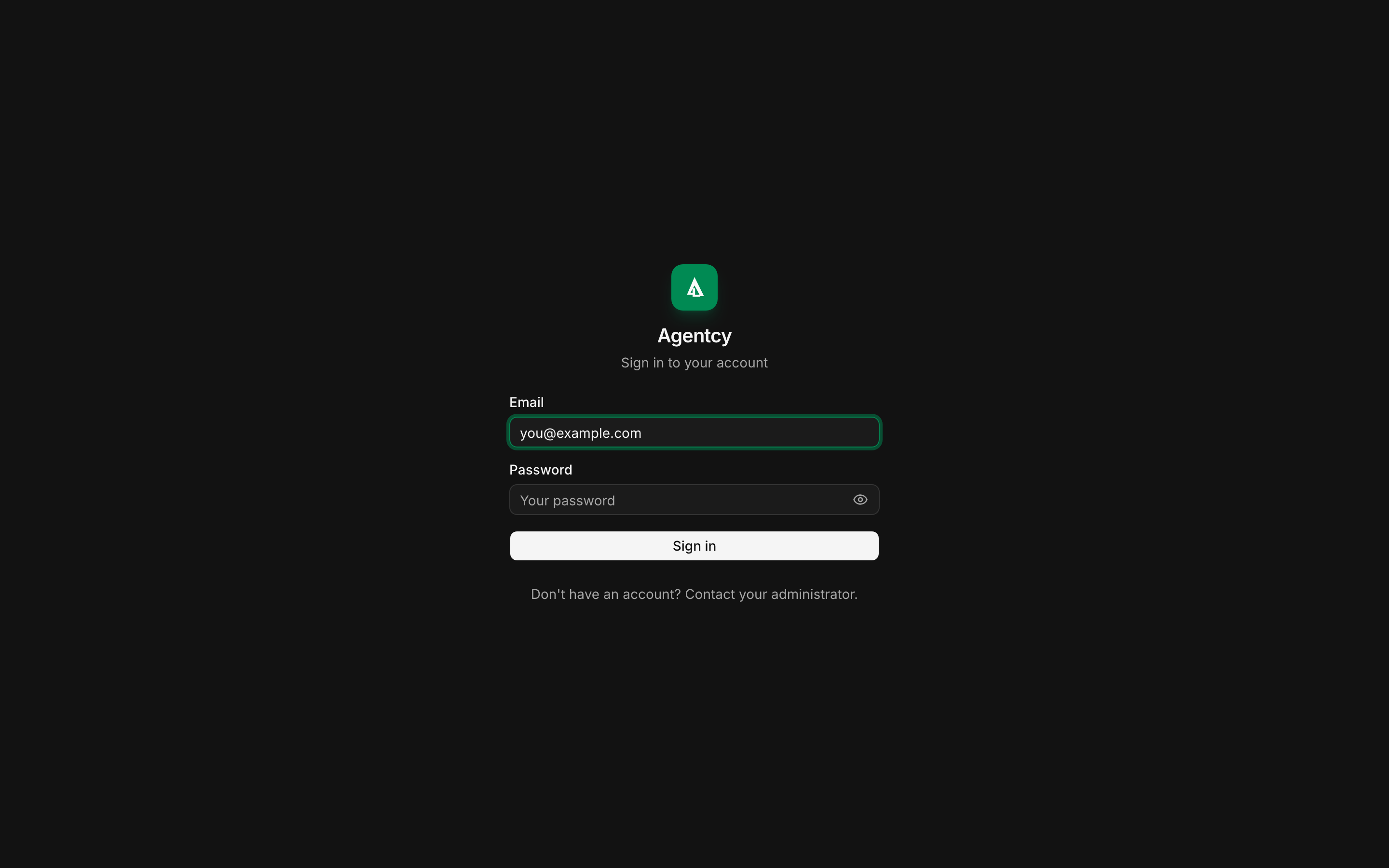
Agentcy is closed-source software built on open-source technology. To get a copy of the platform — Desktop, Docker, or Kubernetes — or to use Agentcy Cloud (our managed PaaS), reach out via agentcylabs.com.
Pick the path that fits how you want to run it:
- Agentcy Cloud — zero install, managed for you.
- Desktop — a native macOS app. Local stack, no terminal.
- In-house (Docker Compose) — self-hosted on your infrastructure.
Or jump to the deep-dive guides: Docker · Desktop · Railway.
Agentcy Cloud
The fastest path. AgentcyLabs runs the stack; you get a fresh tenant.
- Visit agentcylabs.com and request access.
- We provision a tenant and send a sign-in link.
- The first-run wizard walks through LLM API keys and a starter connector.
Desktop App
macOS 13+ (Apple Silicon or Intel). The desktop build bundles the local stack so nothing else is required.
- Request a Desktop build via agentcylabs.com. We send you a signed
.dmg. - Drag Agentcy.app to
/Applicationsand open it. - The first-run wizard appears. It downloads Docker images and starts the local stack in the background.
- When the wizard finishes, the UI opens automatically. Log in with
admin@localhost/admin.
See Desktop install guide for troubleshooting, data directory, and upgrades.
In-house (Docker Compose)
Best for teams that want full control on their own infrastructure.
Requires Docker 24+ and docker compose. Customers receive a packaged release tarball from AgentcyLabs along with deployment notes.
bash
# After unpacking the release tarball you receive from AgentcyLabs:
cd agentcy
cp docker/.env.example .env
# open .env, set at minimum:
#   ANTHROPIC_API_KEY=...  or  OPENAI_API_KEY=...
docker compose up -dWait ~90 seconds for migrations. Then:
- API: http://localhost:8080 (
/api/v1/healthshould returnstatus: ok) - Frontend: http://localhost:3000
- Login:
admin@localhost/admin
To start an in-house deployment, contact us via agentcylabs.com.
What to do next
Whichever path you chose, the next 5 minutes are the same:
- Add a connector —
/connectors→ New → pick GitHub or AWS. Paste credentials. Sync. - Open chat —
/chat→ ask: "What did I just connect?" The agent uses the catalog to introspect. - Ask something real — "List my GitHub repos with stale open PRs." or "Which EC2 instances in us-east-1 are untagged?"
Then — see how the full platform fits together:
- Platform Overview — the mental model.
- First Run Walkthrough — a guided 15-minute tour.
- REST API — when you're ready to automate.