
Appearance
Tool Calling & the Catalog
Agentcy never dumps all connector tools into the LLM prompt. Instead, the agent sees four catalog meta-tools and uses them to discover real tools on demand. This page is how to work with the catalog from your own code and chats.
The theory is in Concept: Agent Loop and Concept: Skills (Tool Catalog). Here we're hands-on.
The four meta-tools
list_connectors()                         -> summary of enabled connectors
search_connector_tools(query, top_k)      -> ranked tools matching the query
execute_connector_tool(connector, tool, args)
                                          -> call it (runs policy+approval)
request_connector_access(connector, reason)
-> ticket an admin for accessEvery chat sees these whether or not connectors are enabled.
Typical flow (from the LLM's perspective)
User: "what pods are failing in prod?"

LLM → search_connector_tools({query:"pod status failing", top_k:5})
        ↘ Catalog returns ranked list; top hit: kubernetes.list_pods

LLM → execute_connector_tool({
        connector:"kubernetes", tool:"list_pods",
        args:{"cluster":"prod-us","status":"Failed"}
      })
        ↘ Policy allows read tool; executes.
        ↘ Returns 3 pods in CrashLoopBackOff.

LLM → composes a reply: "3 pods failing: checkout-6b…, auth-7c…, orders-2a…"Driving it by hand via REST
Sometimes you want to call a tool without going through an LLM — e.g., from a script, a test, or a scheduled task's payload. Use:
bash
curl -X POST "http://…/chat/conversations/$CONV/tool-calls" \
  -H "authorization: Bearer $TOKEN" -H 'content-type: application/json' \
  -d '{
    "connector":"kubernetes",
    "tool":"list_pods",
    "args":{"cluster":"prod-us","status":"Failed"}
}'Response:
json
{
  "tool_call_id": "tc_…",
  "status": "completed",
  "result": { "pods": [ … ] },
  "usage_ms": 320,
  "policy": { "decision": "allow", "audit_id": "aud_…" }
}If it would have required approval, the response is {"status":"pending_approval","approval_id":"apr_…"} — approve via POST .../approvals/:apr_id.
Listing connectors and their tools
bash
# Catalog for this conversation
curl "http://…/chat/conversations/$CONV/tools" -H "authorization: Bearer $TOKEN" | jq

# Org-wide (admin view, not filtered by realm)
curl "http://…/skills?kind=connector_tool&limit=500" -H "authorization: Bearer $TOKEN" | jqEvery ToolSpec has:
json
{
  "connector": "kubernetes",
  "name": "list_pods",
  "description": "List pods in a cluster, optionally filtered by namespace or status.",
  "args_schema": { "type":"object", "properties":{…} },
  "effect": "read",
  "requires_approval": false,
  "realms": ["infrastructure"]
}effect is one of read / write / destructive. The agent (and any policy) uses it to decide whether to gate.
Pinning connectors to a conversation
By default, a conversation's tool catalog is filtered by its realm. You can override that:
bash
# Pin: only these three sources' tools are available in this conv
curl -X PATCH "http://…/chat/conversations/$CONV" \
  -H "authorization: Bearer $TOKEN" -H 'content-type: application/json' \
  -d '{"enabled_source_ids":["src_gh_primary","src_k8s_prod","src_aws_prod"]}'

# Unpin: go back to realm-based selection
curl -X PATCH "http://…/chat/conversations/$CONV" \
  -H "authorization: Bearer $TOKEN" -H 'content-type: application/json' \
-d '{"enabled_source_ids":null}'Pinning is the right move for scripts and automations — it removes the ambiguity of "which of my three AWS sources did it pick?"
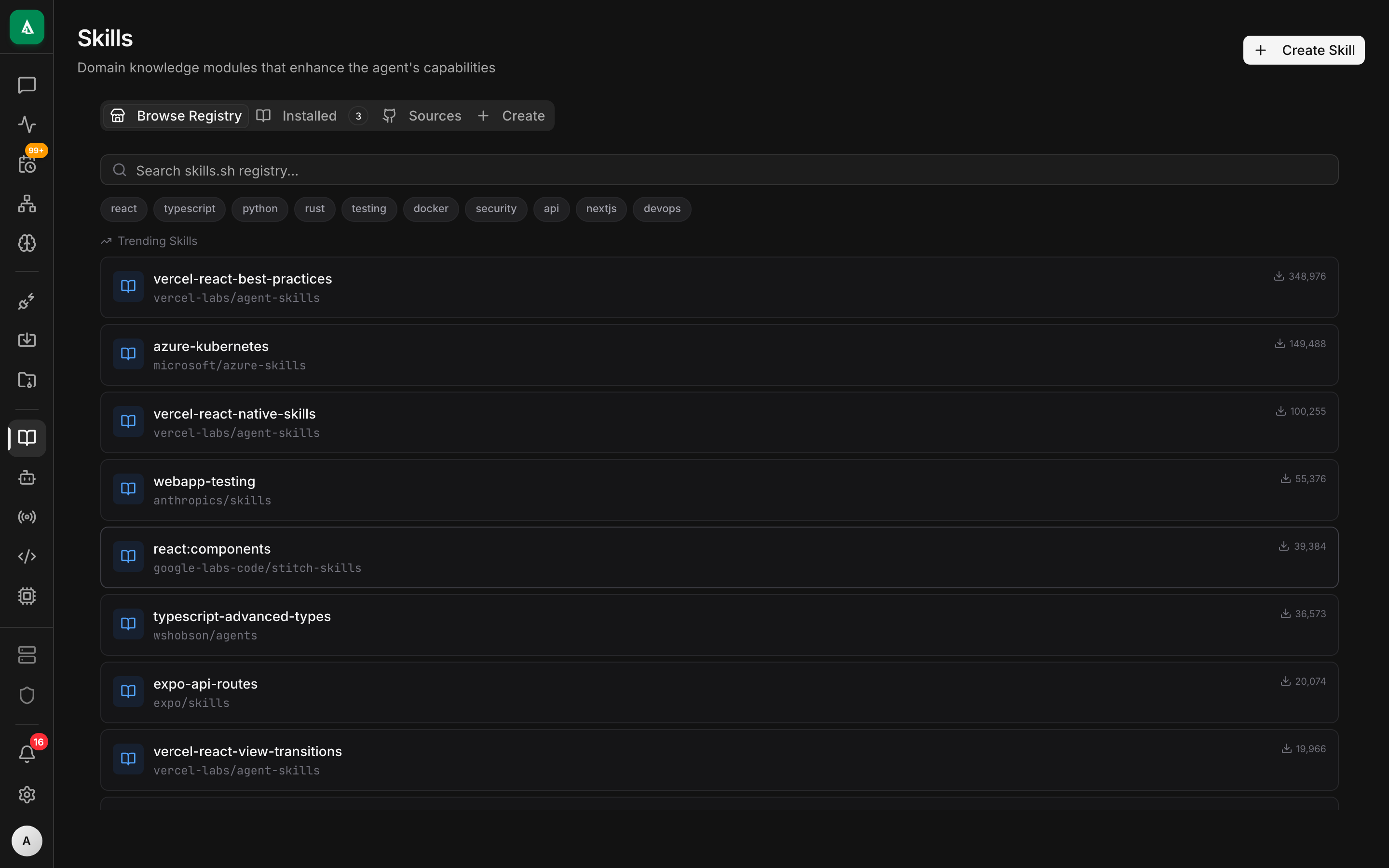
Custom skills
Beyond connector tools, you can register custom skills. A skill is a user-defined tool whose body is either:
- a URL (HTTP webhook — the API POSTs args, receives result JSON),
- a script (executed in a sandbox),
- an MCP server (via the
mcpconnector).
Create:
bash
curl -X POST "http://…/skills" \
  -H "authorization: Bearer $TOKEN" -H 'content-type: application/json' \
  -d '{
    "name":"triage.fetch_runbook",
    "description":"Fetch the runbook text for an alert by name.",
    "args_schema":{"type":"object","properties":{"alert":{"type":"string"}}},
    "effect":"read",
    "kind":"http",
    "http":{"url":"https://runbooks.internal/lookup","method":"POST","secret_header":"X-Token"}
}'After admin approval, the skill shows up in the catalog just like a connector tool.
See backend/crates/agentcy-api/src/routes/skills.rs.
Debugging a tool call
- See args + result live: open the conversation in the UI, expand the tool-call card.
- Replay:
POST /chat/conversations/:id/tool-calls/:id/replayre-runs the call with the same args. Good for flaky upstream APIs. - Trace: every tool call carries a
request_idthat propagates intotracingspans. Grep logs for it. - Policy audit: if the call was denied, the audit entry has the exact rule and input that matched.
Effects and when things require approval
Defaults (override per-org in Settings → Security):
| Effect | Default behavior |
|---|---|
read | auto-approve |
write | approval required |
destructive | approval required + policy must explicitly allow |
A specific tool can override defaults (requires_approval: true/false in its ToolSpec) when a connector author knows better than the default.
Gotchas
- Search is embedding-based. If the agent can't find your tool, improve the description. "Lists pods" is fine; "Show K8s workload health" is better.
- Args come from the LLM. They must match the schema or the API returns
args_schema_invalid. Err on the side of strict schemas — it teaches the model to pass correct args. - Don't ship write tools with
requires_approval=false. Approvals are cheap; silent writes are expensive when they're wrong.
Next
- How-To: Approval Flows — the human-in-the-loop UX.
- How-To: RAG & Semantic Search — the other way agents find information.
- Concept: Connectors — tool authoring.