
Appearance
API Keys
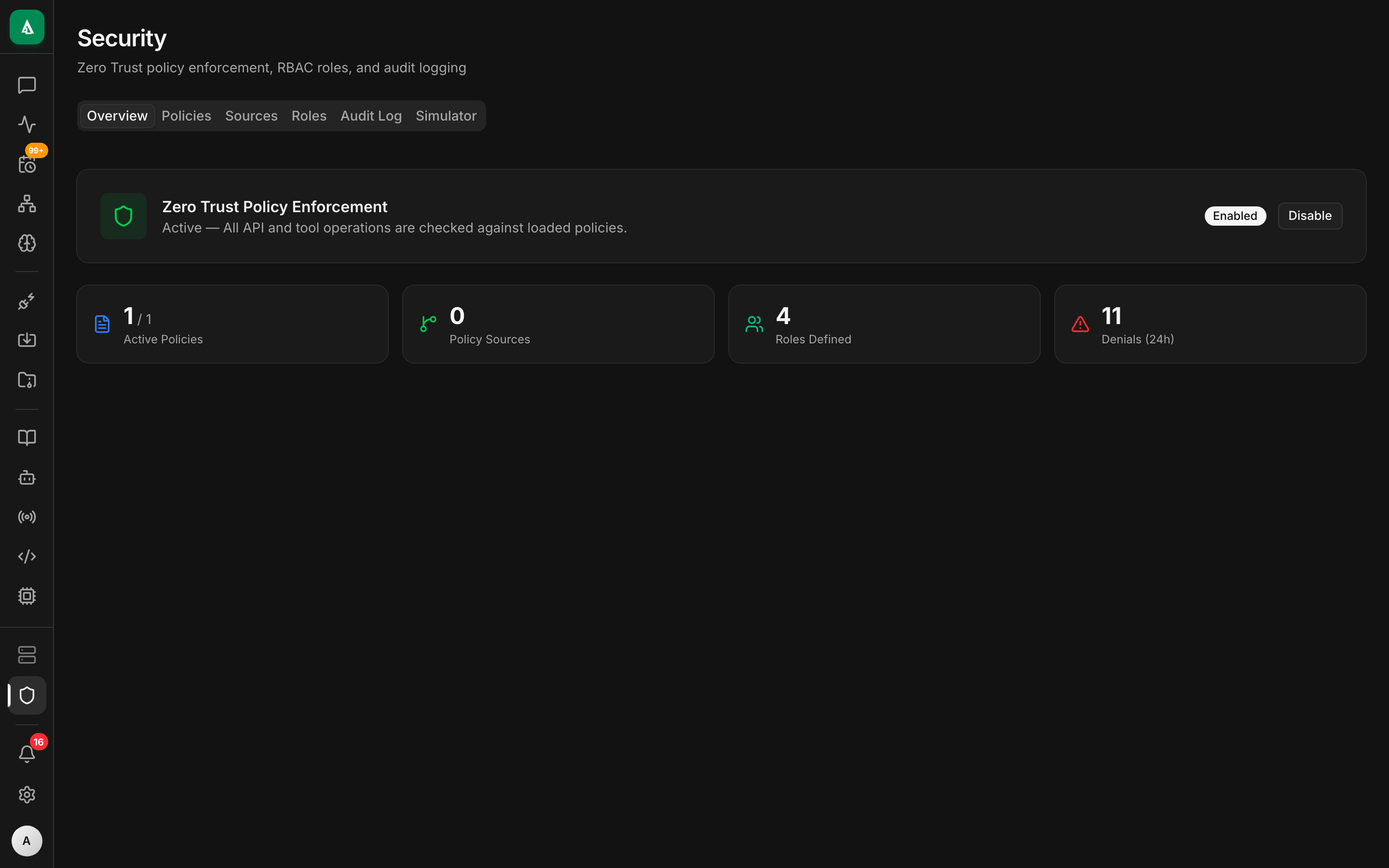
API keys let scripts, bots, and integrations call Agentcy without going through the user login flow. A key is org-scoped, role-bound, and accepted by the same middleware that accepts JWTs — no separate code path for clients.
Create a key
bash
curl -X POST http://localhost:8080/api/v1/api-keys \
  -H "authorization: Bearer $TOKEN" -H 'content-type: application/json' \
  -d '{
    "name":"ci-deploy-bot",
    "role":"member",
    "expires_at":"2026-10-24T00:00:00Z",
    "allowed_ips":["10.0.0.0/8"],
    "notes":"used by GitHub Actions to post chat summaries"
}'Response (the key is shown once):
json
{
  "id":"key_01HABC…",
  "name":"ci-deploy-bot",
  "key":"ak_live_<opaque>",
  "key_fingerprint":"ak_01HABC",
  "role":"member",
  "expires_at":"2026-10-24T00:00:00Z",
  "created_at":"2026-04-24T12:00:00Z"
}Immediately copy key. Future reads only return the fingerprint.
Use it
bash
curl -H "authorization: Bearer ak_live_…" http://…/api/v1/chat/conversations | jqThe auth middleware:
- Accepts the bearer value.
- Matches against the
api_keystable (bcrypt comparison on the secret part). - Populates
UserContext { api_key_id, org_id, role, … }. - Sets
subject.api_key_idin the Rego input so policies can distinguish.
From here on it's indistinguishable from a JWT-authed request.
Rotate
Keys are immutable. Rotation means "create a new key, switch clients, delete the old key."
bash
# 1. Create the replacement
curl -X POST http://…/api-keys -d '{"name":"ci-deploy-bot-2",…}' \
  -H "authorization: Bearer $TOKEN" -H 'content-type: application/json'

# 2. Deploy the new key to your client.

# 3. Delete the old key
curl -X DELETE "http://…/api-keys/$OLD_ID" -H "authorization: Bearer $TOKEN"Revoke
bash
curl -X DELETE "http://…/api-keys/$KEY_ID" -H "authorization: Bearer $TOKEN"Revocation is instant — the in-memory key cache in agentcy-auth is invalidated on delete. Any in-flight request using the revoked key continues; the next request with it fails.
List & audit
bash
# All keys in the org
curl http://…/api-keys -H "authorization: Bearer $TOKEN" | jq

# Usage stats per key
curl "http://…/api-keys/$KEY_ID/usage?days=30" -H "authorization: Bearer $TOKEN" | jqThe usage endpoint returns last-seen IP, request count by route, p95 latency. Useful for spotting stale keys to retire.
Scopes and roles
A key inherits a role (viewer, member, admin, owner). For finer scoping, use policies that inspect subject.api_key_id or subject.api_key_name:
rego
deny[msg] {
  input.subject.api_key_name == "ci-deploy-bot"
  input.action != "chat.conversation.message.create"
  msg := "ci bot can only send chat messages"
}This way a key can be narrower than any built-in role.
IP allowlisting
allowed_ips accepts CIDR blocks. Requests from other IPs get 401. If your egress is behind NAT or a load balancer, configure TRUSTED_PROXIES so X-Forwarded-For is honored:
env
TRUSTED_PROXIES=10.0.0.0/8,127.0.0.1Machine identities
For long-running workloads with an identity provider (AWS IAM, GCP service accounts, K8s service accounts), prefer OIDC over API keys. Exchange the workload identity for a short-lived JWT against your IdP, call Agentcy with that. API keys are meant for "keep it simple" scripts.
Gotchas
- No SSO integration. Keys bypass SSO by design — that's their point, but it means a revoked SSO user's keys still work until an admin deletes them. Rotate proactively.
- Keys don't expire on role change. If you demote a user whose key is
admin, the key stays admin. Revoke and reissue. - Keys are bearer credentials. Store them in a secrets manager, not env files in git. Scrape logs for accidental logging — the auth middleware redacts bearer values but application code often doesn't.
Next
- Concept: Zero-Trust Policies — scope keys via policy.
- How-To: Audit Log — see every call by key.
- How-To: OIDC — the alternative for machine identity.