
Appearance
Coding Agents (CIAB)
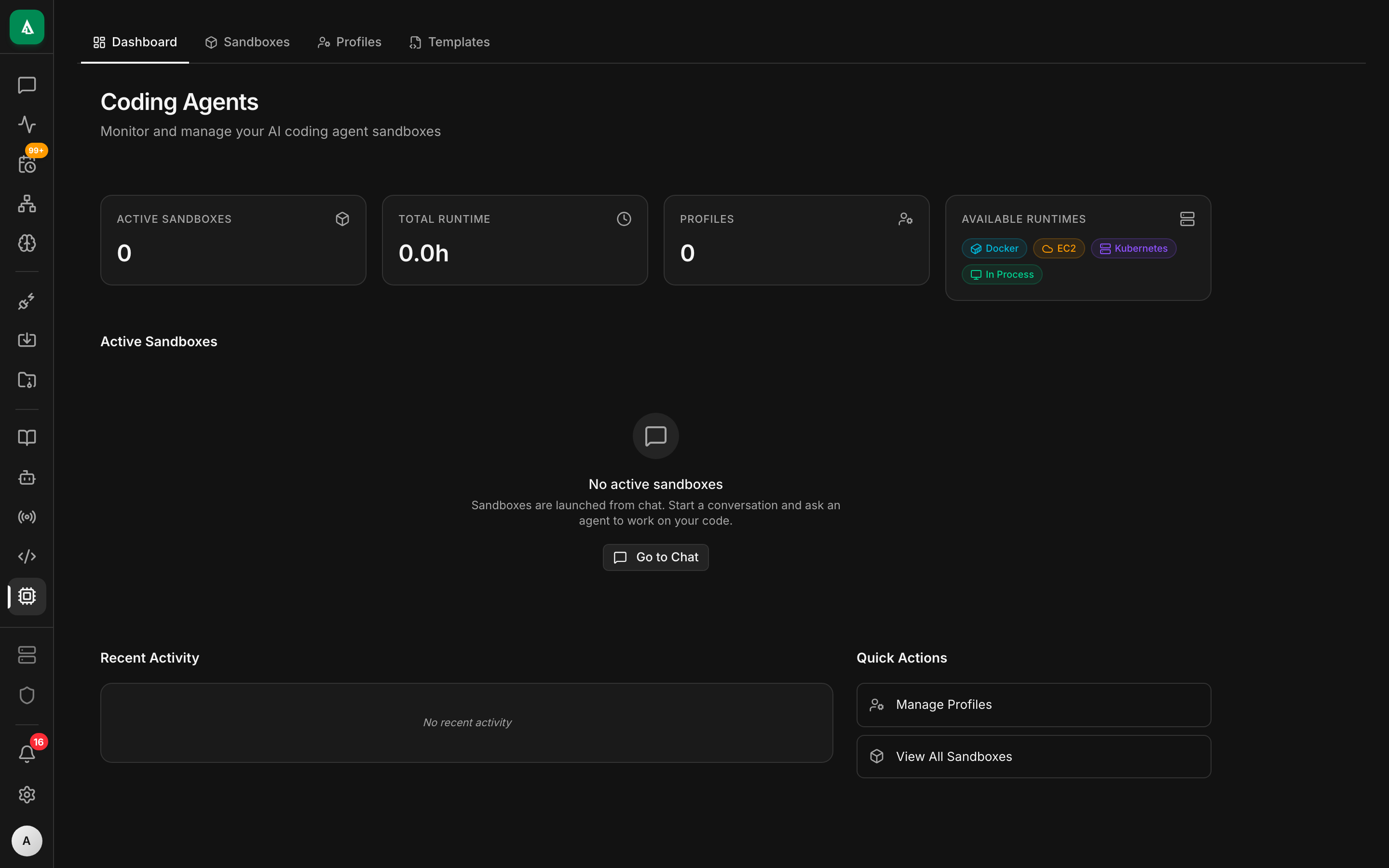
CIAB — "Claude in a Box" — is Agentcy's sandboxed coding-agent runtime. It runs a coding agent (Claude Code, Codex, or your choice) inside an isolated environment with read/write filesystem access, shell, language tooling, and a live preview of any HTTP service the agent spins up.
Use it when a chat-only agent isn't enough: investigating a repo with grep + test runs, drafting a patch and iterating on it, reproducing a bug, or generating a demo video with Remotion.
Two runtimes
| Runtime | Where it runs | When to use |
|---|---|---|
| Local | a subprocess on the API host | dev, single-user, quick runs |
| EC2 | ephemeral EC2 instance per session | production, multi-tenant, heavy work |
Both expose the same tool surface to the agent. Switch via CIAB_RUNTIME=local|ec2 or per-session.
See:
- Local Runtime — setup, quirks.
- EC2 Runtime — IAM, instance profiles, ami, cost controls.
- Sandbox & Artifacts — previews, persistence.
What CIAB gives the agent
Inside the sandbox the agent has:
- A working directory pre-seeded with a repo clone (from the
gitconnector) or an empty scratch dir. - POSIX shell (
bash),git,node,python,cargo,go,rust,pnpm,uv— see the runtime's packaged toolchain. - A forward-only port tunnel so HTTP servers the agent starts are reachable via a signed preview URL.
- Persistent-for-session file system (wiped on session end unless you attach a volume).
- Tool access back to Agentcy (the agent can call
execute_connector_toolwhile inside the sandbox; policies still apply).
The ciab-native route group exposes /api/v1/ciab-native/* for creating sessions, tailing output, listing files, and terminating.
Enable
env
AGENTCY_FEATURES_CIAB=true         # exposes /ciab-native
CIAB_RUNTIME=local                 # or ec2
CIAB_MAX_SESSIONS_PER_ORG=5
CIAB_SESSION_IDLE_TIMEOUT=900 # secondsAdditional EC2 vars: see EC2 Runtime.
Starting a session from chat
The agent triggers a session automatically when the user asks for coding work:
User: "Clone acme/monolith and find why the payment tests are flaky."
Agent → execute_connector_tool("ciab","start_session",
         {"repo":"acme/monolith","branch":"main"})
       → returns session_id
Agent → execute_connector_tool("ciab","shell",{"session_id":…,"cmd":"pytest tests/payments"})
       → streams stdout
…The session appears in /coding-agents in the UI with a live terminal view and preview URLs for any ports the agent binds.
Starting a session by hand
bash
curl -X POST http://…/ciab-native/sessions \
  -H "authorization: Bearer $TOKEN" -H 'content-type: application/json' \
  -d '{"runtime":"local","seed":{"repo":"acme/monolith","branch":"main"}}'

# Stream stdout
curl -N "http://…/ciab-native/sessions/$SID/stream" -H "authorization: Bearer $TOKEN"

# Terminate
curl -X DELETE "http://…/ciab-native/sessions/$SID" -H "authorization: Bearer $TOKEN"Policies
CIAB actions are policy-gated like any other tool. Useful rules:
- Deny
ciab.shellunlesssubject.role in {"admin","owner","member"}. - Require approval for
ciab.push(git push back out to the org). - Deny
ciab.start_sessionoutside business hours on the EC2 runtime (cost control).
Costs and timeouts
- EC2 instances are billed per second; the idle reaper terminates them after
CIAB_SESSION_IDLE_TIMEOUTof no activity. - Session count is capped per org (
CIAB_MAX_SESSIONS_PER_ORG, default 5). - Outbound bandwidth is metered via the AWS account — no per-GB cap in Agentcy itself.